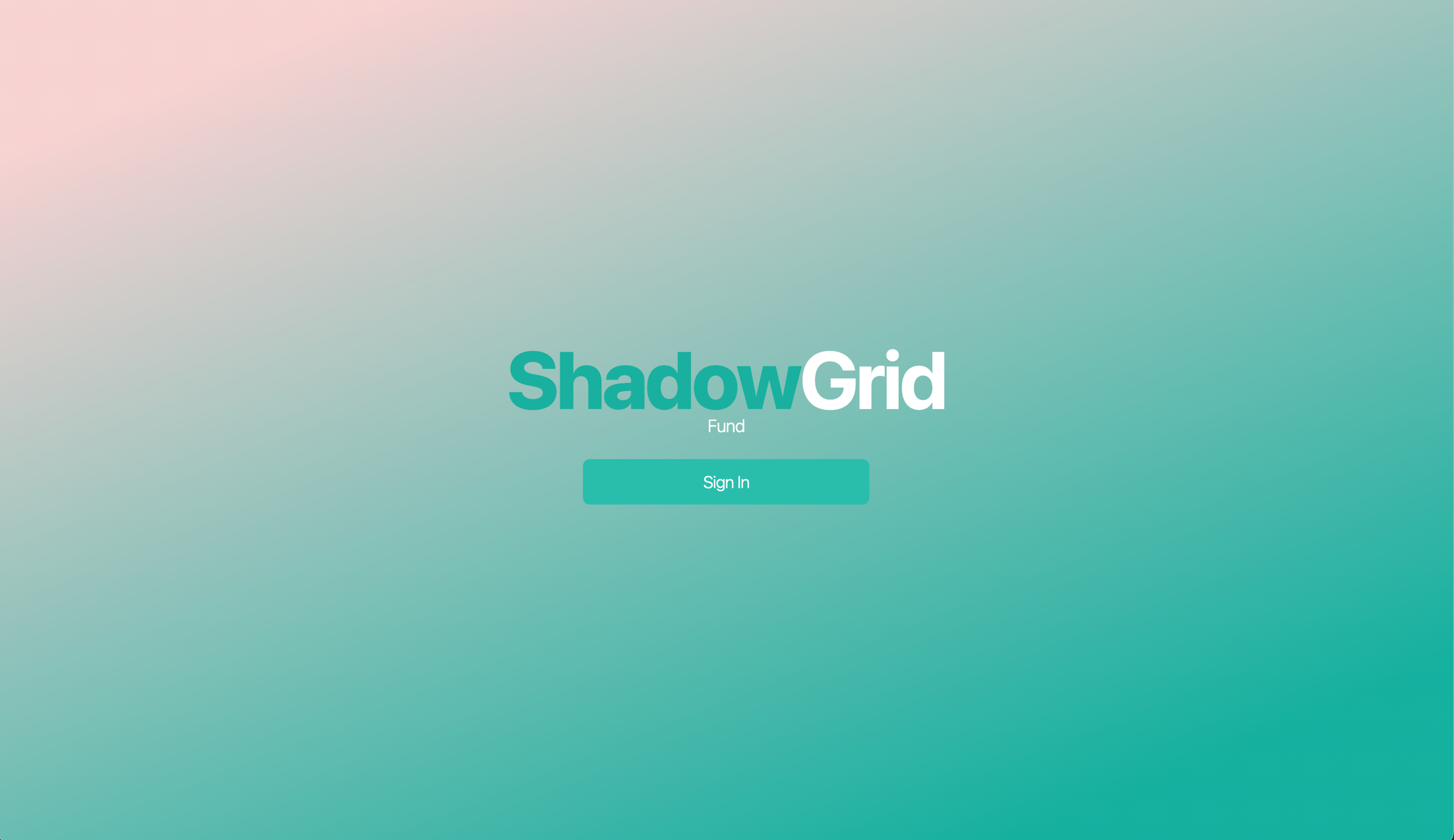
ShadowGrid, a demo fund, after a few minutes in the portal editor.
We shipped a full visual editor for your investor portal. Drop in your logo, set your colors, write your own copy, and watch every page update live as you edit: the invite, the screen where investors sign in, onboarding, the dashboard, and every email in between.
When it looks right, claim a custom URL like yourfund.investor.hedgia.net. From then on your investors land on a portal that is unmistakably yours, from the first invitation email to the dashboard.
Most funds finish in under ten minutes.
Every screen, one identity
A fund's brand usually stops at the pitch deck. The wire goes to an account with your fund's name on it, while the software your investors actually touch carries a vendor's logo. This release closes that gap. The invitation an investor opens, the pages where they complete KYC and sign subscription documents, and every email the portal sends read as one product. Yours.
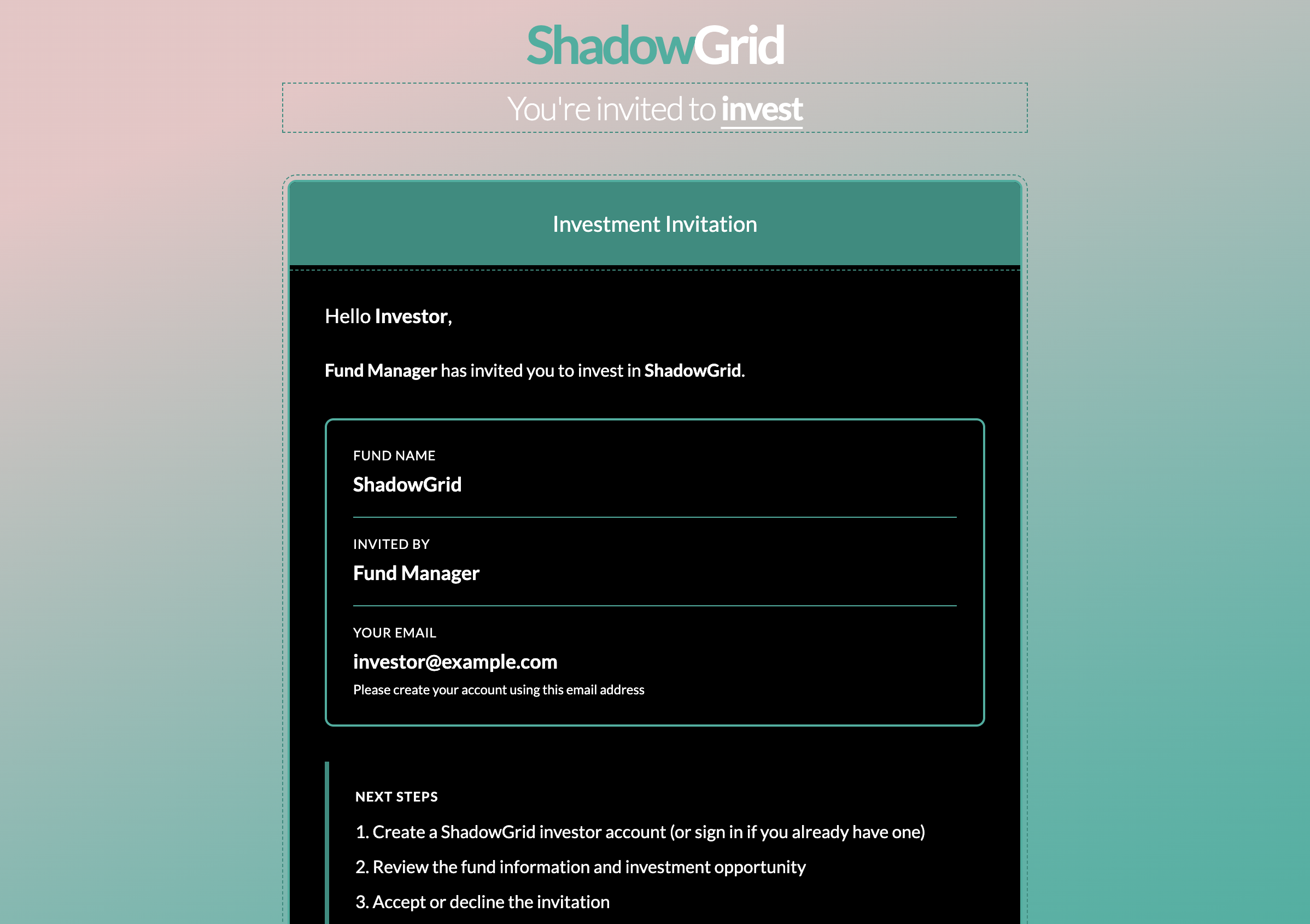
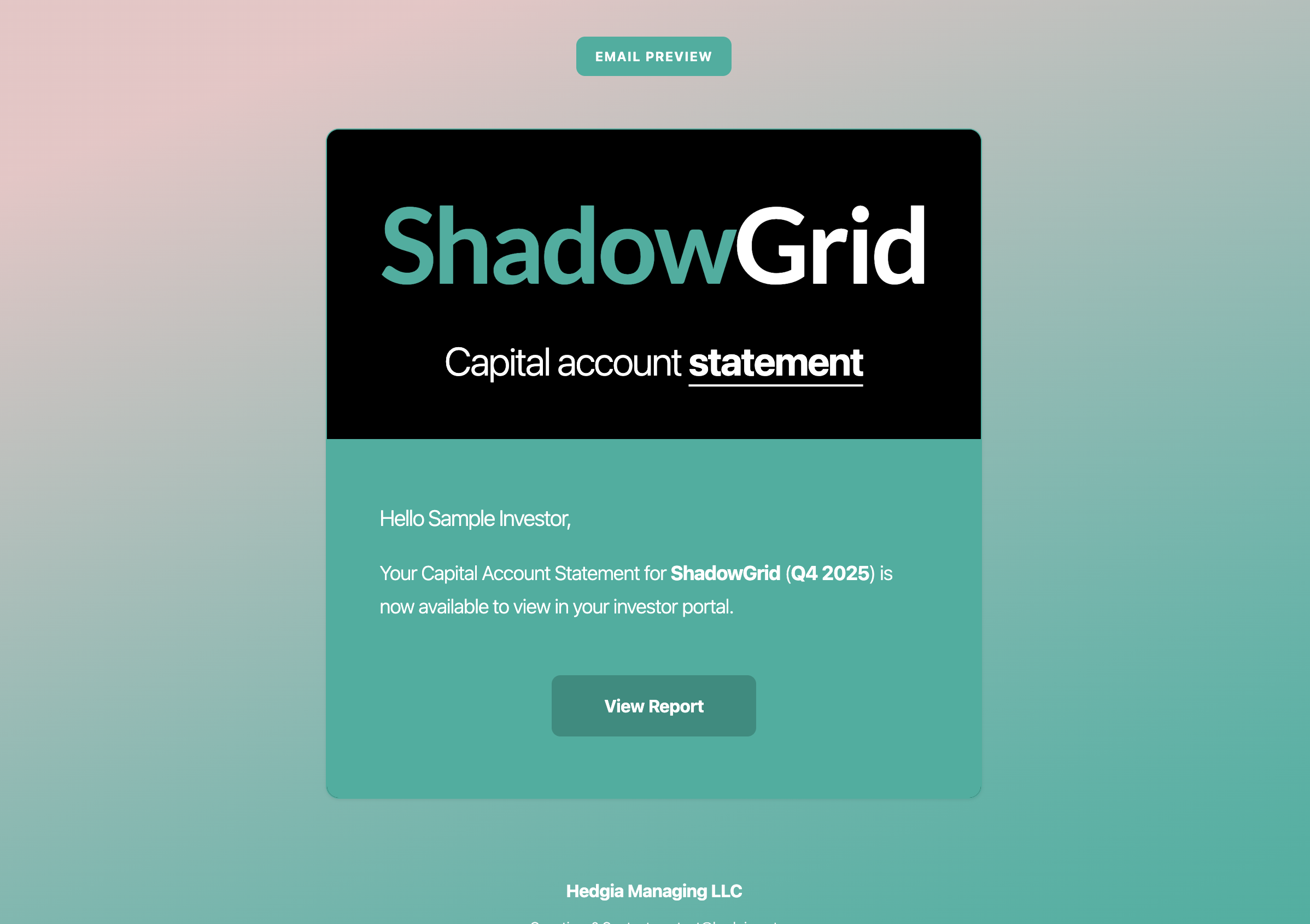
Invitation landing page and investor email. One fund, one identity, end to end.
What's included
Live visual editor
Click any color, text block, or image and preview every page as you edit. No designers, no tickets, no waiting on a release cycle.
Custom investor URL
Claim yourfund.investor.hedgia.net in seconds. Investors who hit the main portal are routed to yours automatically.
Branded emails
Every email your investors receive uses your fund's name, logo, and colors. Replies route to your support address, not ours.
Typography and gradients
Pick from more than 50 typefaces, define gradients across any brand color, and control surfaces, accents, and headline copy on every page.
Turn it on in three steps
- 1
Open your fund dashboard and click Customize Portal.
- 2
Edit your logo, colors, fonts, and copy. The preview updates live on every page as you work.
- 3
Claim your URL. Every invite and investor email now goes out under your brand.
Branding is set per fund, so each strategy keeps its own identity. If you run up to 5 funds on one account, each one carries its own logo, colors, and URL, and an investor in one fund never sees a trace of another. The editor is live today for every fund in the 8 states where Hedgia operates.
Your investors committed capital to your fund, not to your software vendor. Now the portal they sign in to says so.